REQUIRED RESOURCES

Need Texts, Labs, Etc. for MINF 2201?

Prof Schmidt's MIS/CS Courses


OPTION 1: FRONT 
Option1 FRONT
OPTION 1: BACK
Option1BACK

OPTION 2:
Option2

NON JAGSTORE OPTION:
(See Details on this Page)


Return to MINF2201 Home

***

WEBSITE LINKS


Course Information


Scholarship/Research


Personal Happenings


Various Links


***

COURSE LINKS


Course Policies


Course Resources


Online Resources


Contact Info & Online Support


CLICK to DOWNLOAD
Required Resource Flyer

?? WAITING ON FINANCIAL AID ??

You may register and begin coursework!

Use Temporary Access to Pearson Online Lab

Pearson now allows a 17 day temporary access to online labs for students waiting on finances.

Be sure to purchase the access code prior to the end of the 17 day trial to prevent issues with ontime submission of assignments. (Assignments are not accepted late)

 *To Use: Click 17 Day Free Trial at the bottom of the payment screen during the Pearson Lab Registration process.

**If you complete the entire course within the Free Trial period you MUST purchase the software access in order to receive a grade in the course.

MINF2201: REQUIRED RESOURCES

(All Students)

  1. HARDWARE: Computer with high speed internet access (or access to one) *** Mac users review Mac Requirements Webpage

  2. HARDWARE: Personal Thumb Drive to store course files

  3. HARDWARE: Ear buds to listen to learning aid videos in campus lab

  4. SOFTWARE: Pearson MyITLab Access Code

  5. SOFTWARE: Microsoft Office 2013 Professional Plus or Office 365 only (available at no charge through GRU at https://gru.service-now.com/kb_view.do?sysparm_article=KB0010680 Details are provided in the Course Syllabus)

  6. SOFTWARE: Google Chrome or FireFox (free downloads available - Do Not use Safari or Explorer)

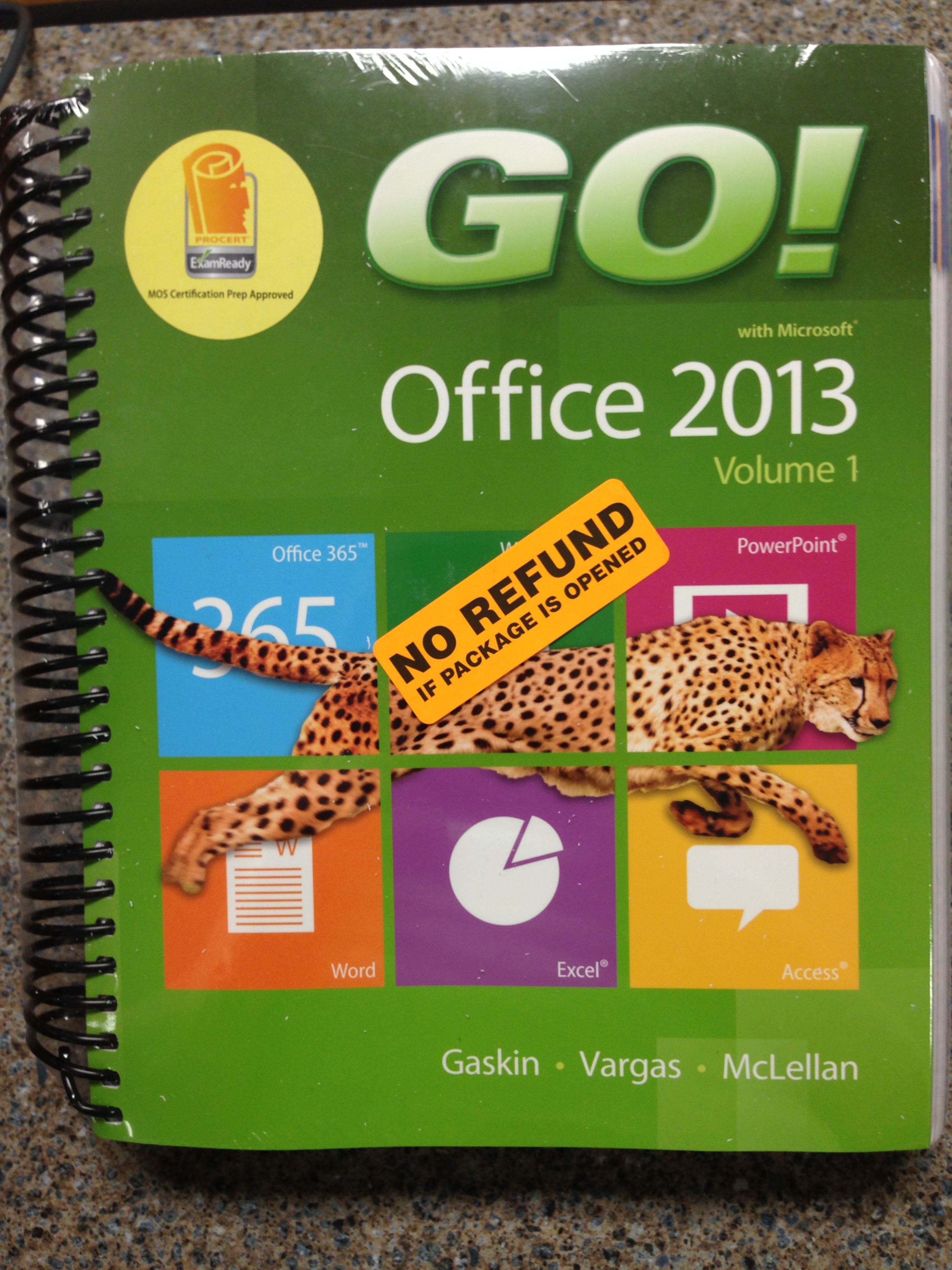
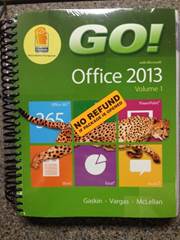
  7. TEXT GO! with office 2013 Colume 1 by Gaskin, Vargas, McLellan.  ISBN(13): 9780133142622

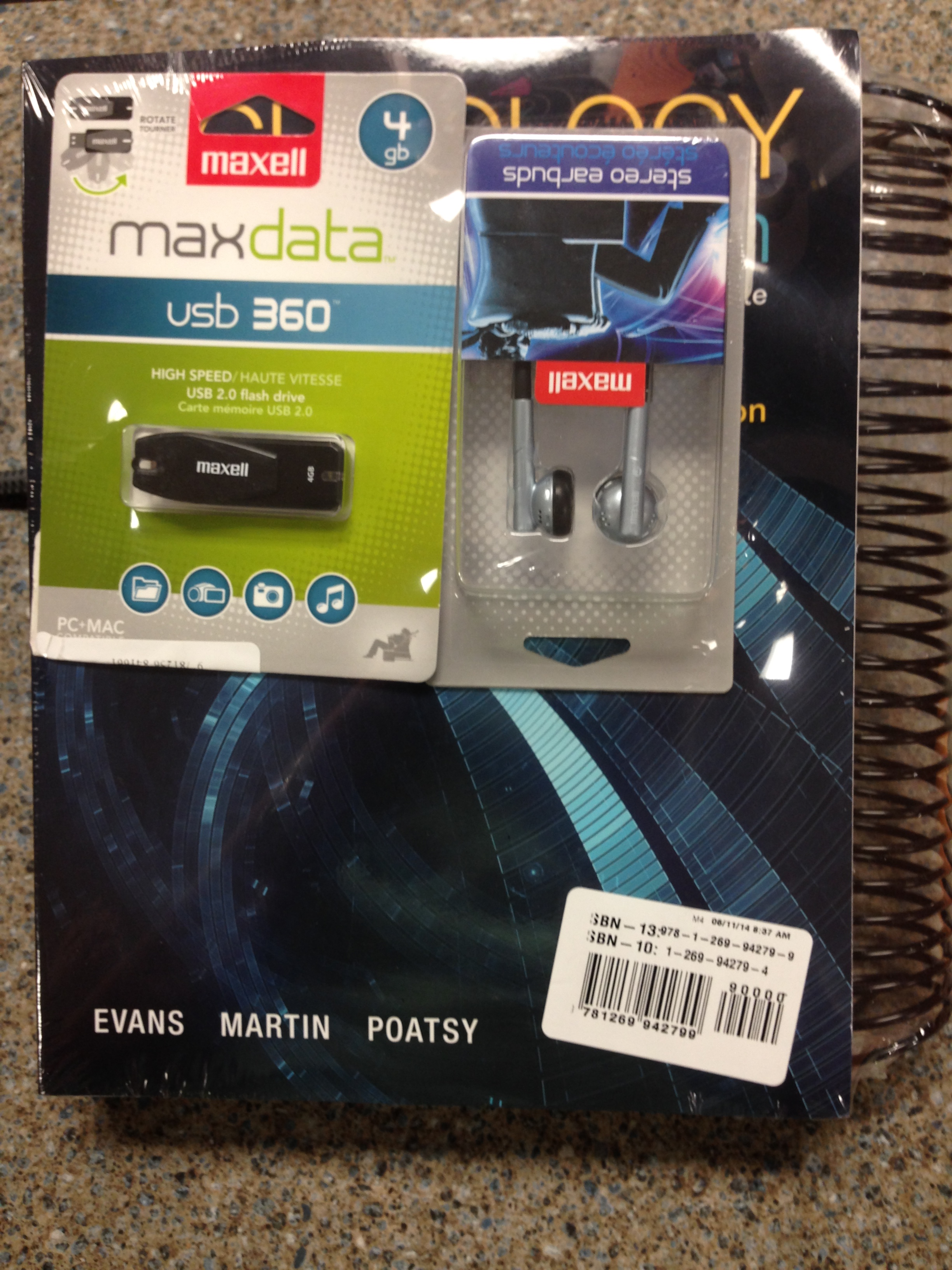
  8. TEXT Technology in Action 11th edition by Evans, Martin, Poatsy ISBN(13): 9780133802962

 (Please Note: ISBN's may be different for bundled items)

***Scroll Down for Purchasing Options and

Money Saving Tips***

JAGSTORE PACKAGE:

706.737.1611

It is highly recommended that you purchase the

textbook package available at the JagStore.

You may purchase your text resources elsewhere

however, it likely to cost you more.


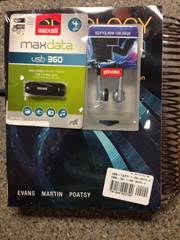
Option 1: $223

(#'s 2, 3, 4, 7, & 8 in the Required List Above)

Click Here for Picture FRONT   Click Here for Picture BACK

  1. Both Textbooks (Physical and E-text copies)

  2. A Pearson Lab Access Code

  3. New earbuds

  4. New thumb drive

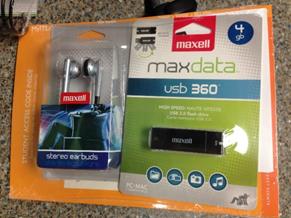
Option 2: $151

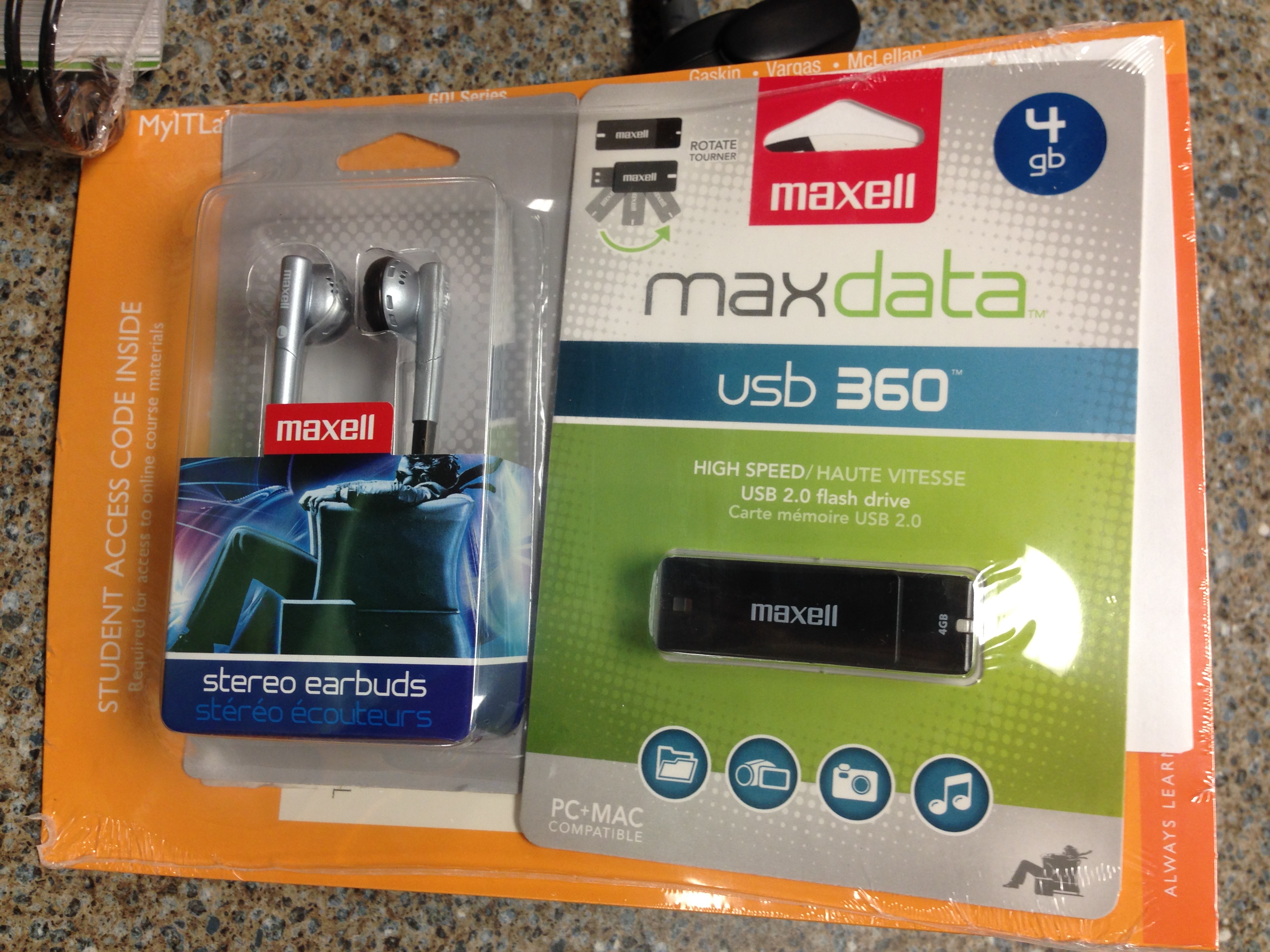
(#'s 2, 3, 4, 7, & 8 (e-text ONLY) in the Required List Above)

Click Here for Picture

  1. Both Textbooks (E-text copies only)

  2. A Pearson Lab Access Code

  3. New earbuds

  4. New thumb drive

Non JagStore Option: $

(#'s 4, 7, & 8 (e-text ONLY) in the Required List Above)

Students may purchase Lab Access WITH E-TEXT directly from Pearson website.

*Be careful to select the option WITH E-TEXT

(This option DOES NOT provide new ear buds and thumb drive)

  1. A Pearson Lab Access Code

  2. Both Textbooks (E-text copies only)

  3. A hole punch copy of the text can be ordered through the lab for $35

Other Options Do exist. For example some students RENT textbooks from various websites. Students may obtain their course materials in any way so long as all Required Resources are obtained. Please be careful when purchasing from 3rd party vendors and be sure that all materials are as required.


Trying to Save Money?


PURCHASE Pearson Lab Access Code with eText AND

UPGRADE to HOLE PUNCHED TEXT FOR $35

(NonJagStore Option)

*This option does NOT provide ear buds and thumb drive or physical texts

  1. Log into Pearson's MyITLab

  2. Click on MINF2201 Course

  3. Click on Course Materials

  4. Click on e-text

  5. Click on Go! with MS Office 2013, Volume 1 Print Upgrade

  6. Enter Credit Card and other requested information.


KEEP IN MIND

  • Students MAY purchase an older version of the TIA text

  • Students MAY purchase only e-texts and not physical texts

  • Students MAY utilize already owned earbuds and thumbdrives

  • Students MAY utilize campus lab computers for grader projects requiring MS office 2013


  • Students MAY NOT use any version of the GO! text other than the one listed

  • Students MAY NOT skip purchasing text books completely

  • Students MAY NOT share thumb drives with other students

  • Students MAY NOT use MS Office 2010

  • Students MAY NOT use MS Office 2013 student, business, or any version other than Professional Pro or 365

  • Students MAY NOT use a MAC to complete the Grader Project Assignments unless they have installed MS Office 2013 using  Bootcamp or Parallels along with Windows 7 or higher OS.


REQUIRED RESOURCE FLYER

MINF2201: REQUIRED RESOURCES

(Online and Hybrid Students)

Course Material List

Required Materials:

Hardware:

1.   Computer with high speed internet access (or access to one)

        *Mac Users review Mac Requirement Webpage.

2.   Personal Thumb Drive (students are not to share)

3. Ear buds (needed for learning aid and chapter video sound in campus labs)

Software:

4.   Pearson MyITLab Access Code (www.mypearsonlab.com)

5.   Microsoft Office 2013 365 or Professional Pro (available at no charge through GRU)

6.   Google Chrome or FireFox (Free Downloads available) Do Not Use Safari or Explorer.

Text:

7.   REQUIRED: Go! with Office 2013 Gaskin, Vargas, McLellan. Volume 1 ISBN(13): 9780133142662

8.   REQUIRED: Technology In Action Evans, Martin, Poatsy. 11th ed. ISBN(13): 9780133802962

Course Resources:

Instructor Website:

http://spots.gru.edu/bschmidt

Online Lab:

www.mypearsonlabs.com

Professor:

Email, Text, or Meeting. See Contact Prof Schmidt or Online Support webpages

JAG STORE OPTIONS

OPTION #1: $223

·        Both e-texts

·        Both Physical texts

·        Pearson Access Code

·        New Ear Buds

·        New Thumb Drive

8-Point Star: Visit Prof. Schmidt’s MINF2201 Required Resource Webpage for More Details including TIPS ON SAVINGS and Getting Started WITHOUT FINANCIAL AID!
*ACCESS to the INTERNET (with decent Connection Speed) IS REQUIRED!

OPTION #2: $151

·        Both e-texts

·        Pearson Access Code

·        New Ear Buds

·        New Thumb Drive

NON-JAG STORE OPTIONS

NON-JAGSTORE OPTION: $120

·        Both e-texts

·        Pearson Access Code

·        Option to purchase hole punched text for $35


1.     Go to www.mypearsonlab.com

2.     Purchase Online Lab Access while registering in the course*

       (*or before the 17 day Free Trial Period runs out)

3.      Click on MINF2201 Course

4.      Click on Course Materials

5.      Click on e-text

6.      Click on Go! with MS Office 2013, Volume 1 Print Upgrade

7.      Enter Credit Card and other requested information.


 DO NOT PURCHASE AN ONLINE OPTION WITHOUT THE E-TEXTS!